We help you
your research
EndNote is the reference manager that helps you save time formatting citations, so you can focus on your research.
Buy EndNote 21 Try EndNote 21 for free



EndNote 21 key features
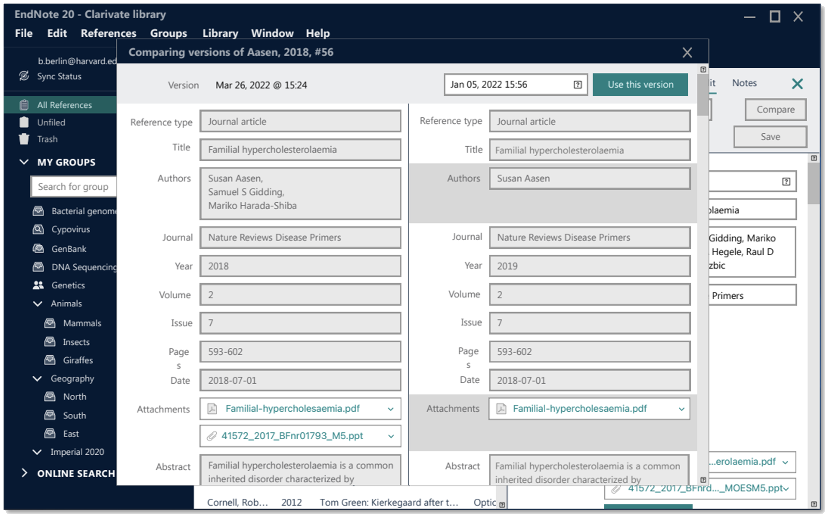
Protect your work with data restoration function
Take a deep breath. If the unthinkable happens, EndNote 21 can recover your library from the cloud and get you back where you belong.
In EndNote 21, you can restore your library and library structure with our new data restoration function, ensuring your research is not lost. With single reference restoration you can also compare and restore previous versions of individual references.
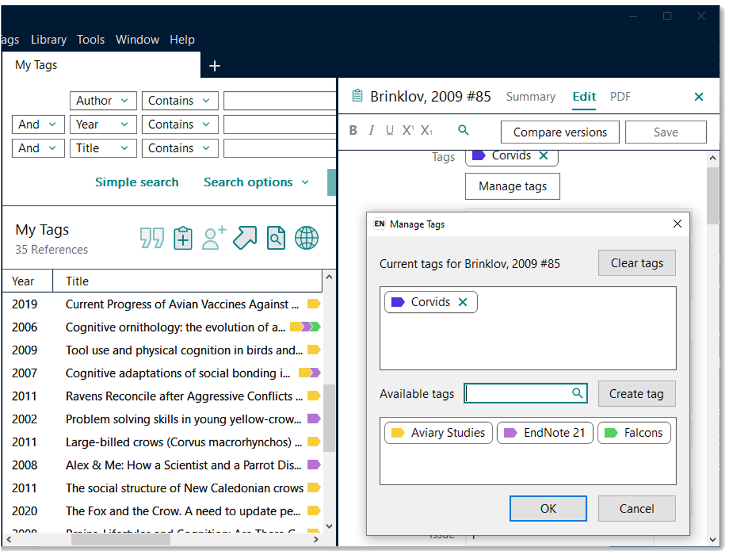
Stay organized with tags
Tags are customizable labels that let you organize your references however you’d like. You can add tags to references and customize the color and name of the tags.
You can add multiple tags to a reference and anyone who you share your library with can view a tag, making tags a great way to quickly and intuitively organize your references.
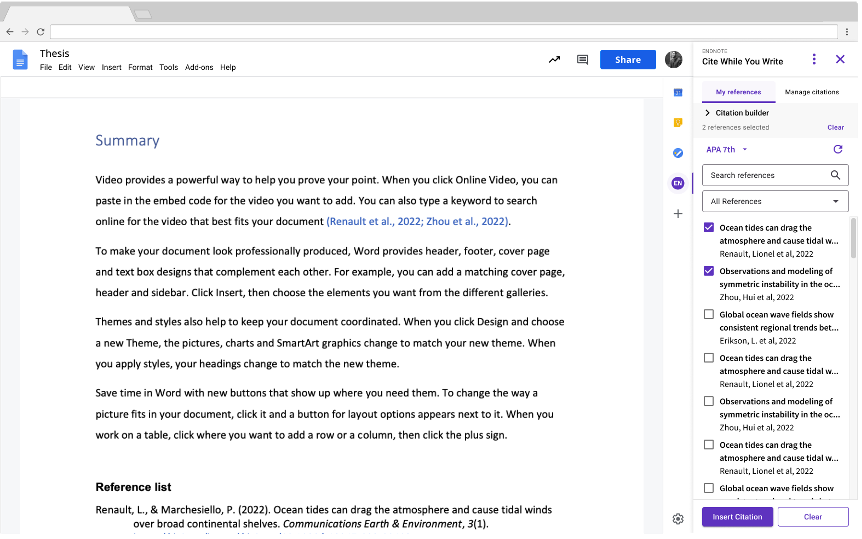
Cite While You Write in Google Docs™
Our best-in-class Cite While You Write (CWYW) tool makes it easy to insert your EndNote references into Microsoft Word™ or Google Docs™. CWYW automatically creates in-text citations and reference lists and makes it easy to change the format of your in-text citations and reference lists.
CWYW is now available to EndNote 21 customers in Google Docs™ via Google Workspace Marketplace, making it easier to write your next paper and to collaborate on documents with colleagues.
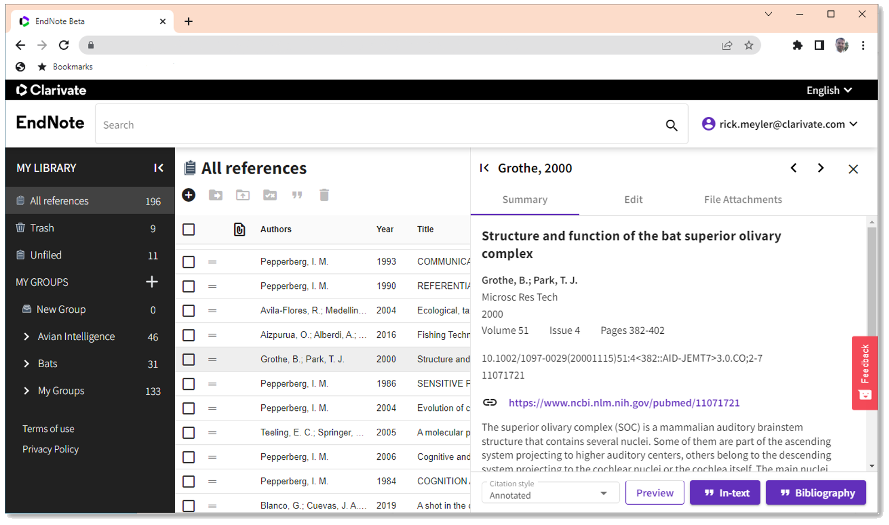
Experience a new exclusive EndNote Web interface
With EndNote you can access your research anytime, anywhere from the cloud. Move seamlessly between online and the desktop and iPad applications.
Say hello to the brand new EndNote Web, available only to EndNote 21 customers for three years from activation date. Securely sync your entire library including PDF’s, notes, and annotations across all your devices.


EndNote Training YouTube Channel
View all of the EndNote training videos on our YouTube channel
View channel
One click PDF access
Automatically export your references and full-text PDFs into EndNote
Find out more
Hear what makes EndNote the best reference management tool
Need an EndNote Site License for your institution?
Help your students and faculty accelerate their research by providing an institutional site license for EndNote 21.
- Learn More
- Contact Us
- Call us +1-888-418-1937